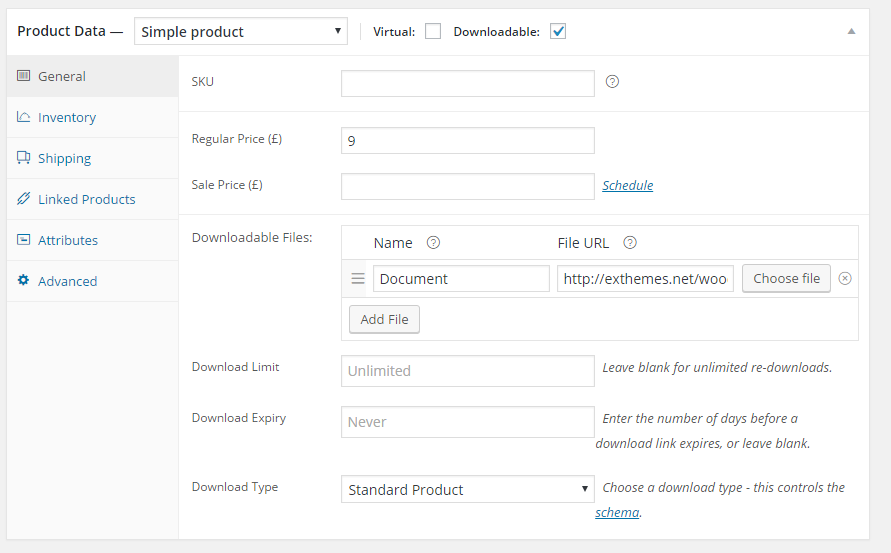
This plugin using Product as Tour so you could also follow details document about create product/tour from WooCommerce here
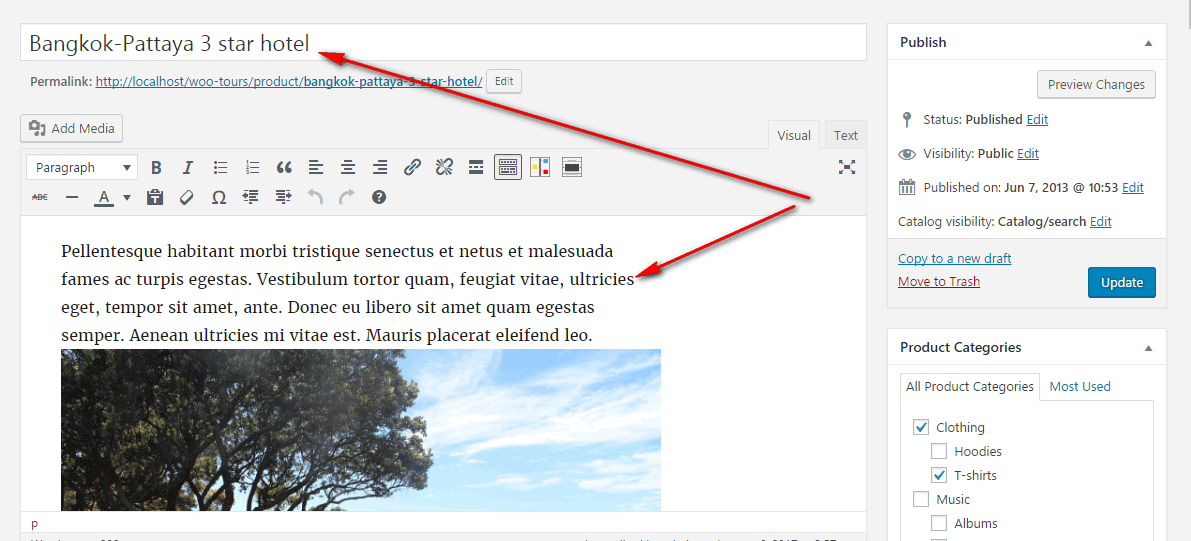
1. Go To WordPress Admin > Product > Add New Product

2. Set a title, description, featured image and required fields for the tour based on your requirements
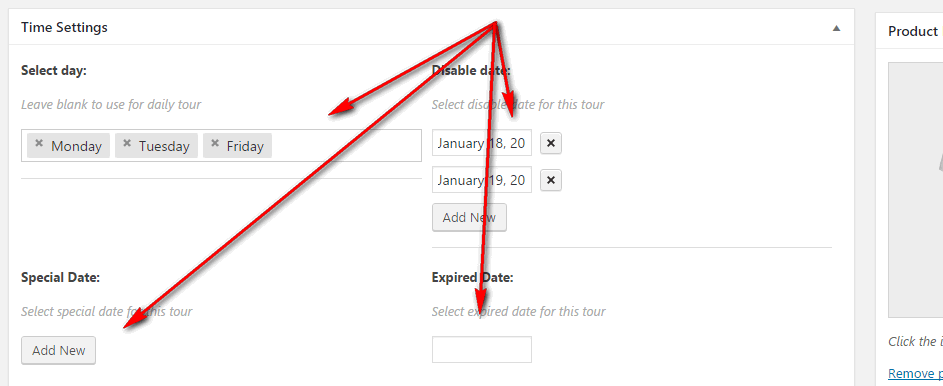
3. There are 4 different options for you can set date
– Select day: Select Departure of tour, when you select day for this option, other day will disable to select
Ex: Select Monday and Tuesday for Weekly with user can select Departure as Monday or Tuesday
– Disable date: Select date will disable(user cannot select this date)
– Special Date: Select list special date instead of calendar
– Expired Date: Select Expired date for this tour (user only can booking before this date)
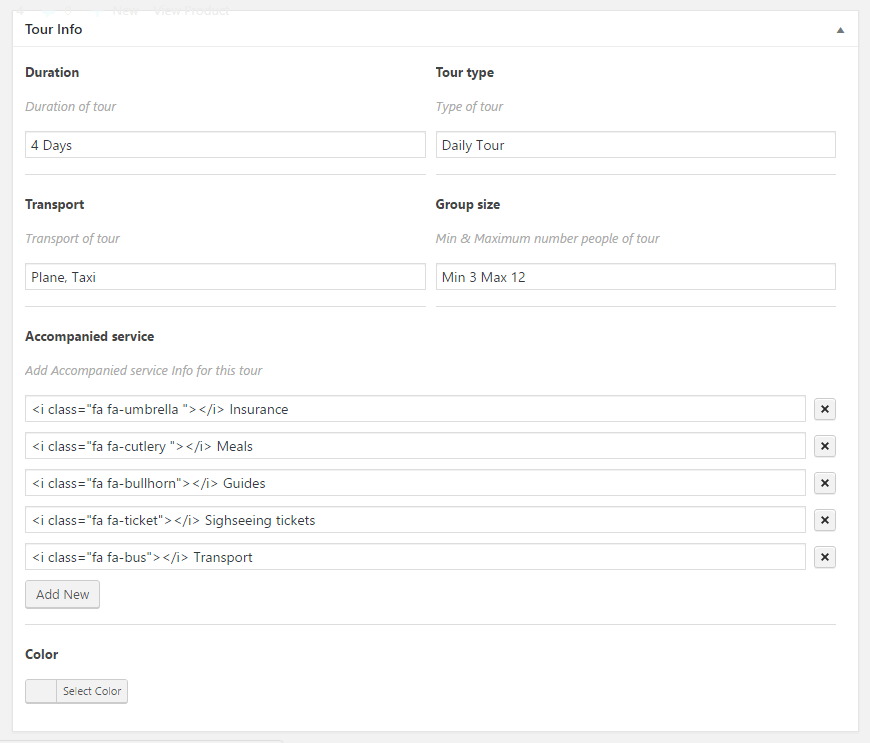
4. Tour info
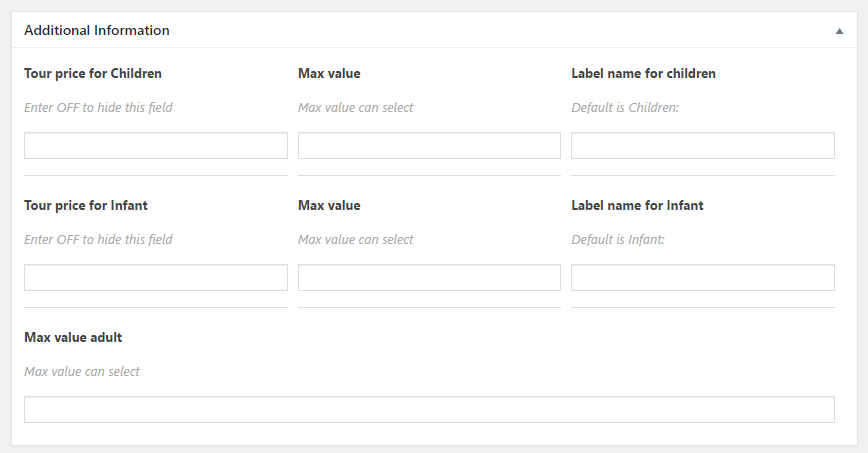
5. Additional Information (set price for children and infant)
6. Ticket setting